 Meta Tech Provider
Find Leads: Describe the Businesses You Want and Get Their Phone Numbers and Emails
The short version
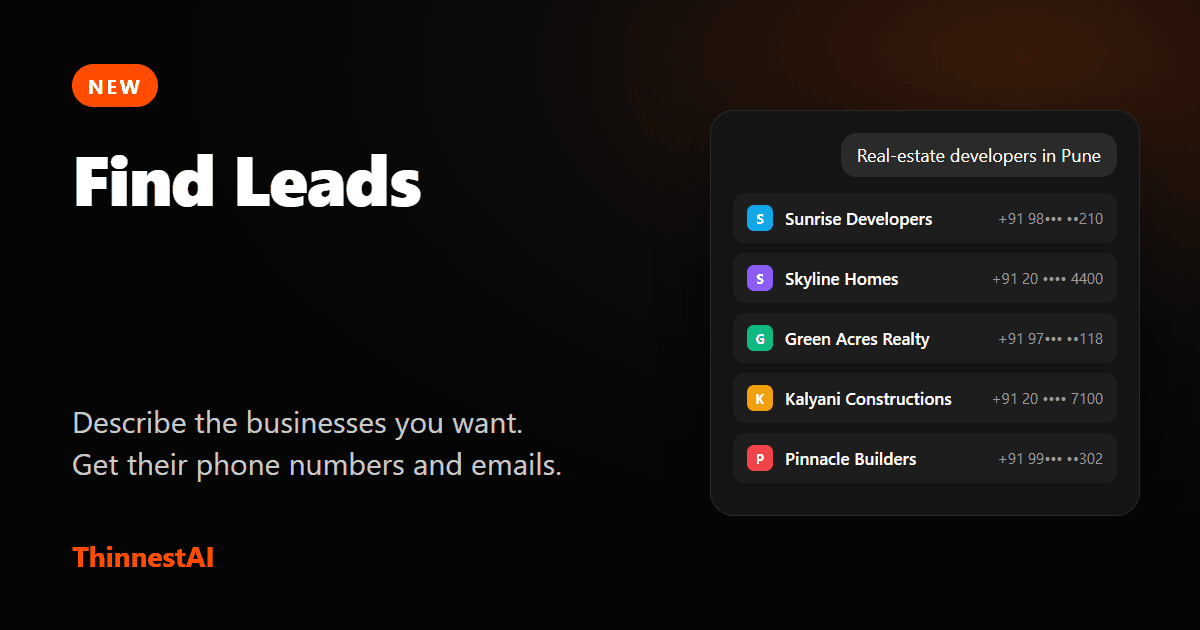
Find Leads is a chat inside ThinnestAI. You describe the businesses you want to reach, like “dental clinics in Bengaluru”, and an agent brings back a table of matching businesses with their phone numbers and email addresses. From the same screen you can save them to a contact group, call them with a ThinnestAI voice agent or send them a WhatsApp broadcast.
The first 50 leads are free, in your workspace's first month. After that it is ₹1 a lead, and you only pay for a lead: a business that comes back with a phone number or an email.
Why we built it
Most teams that sell to other businesses in India start the same way. Somebody opens a spreadsheet and a search engine and copies company names and numbers into rows, one at a time, for an afternoon. Or they buy a database that is out of date by the time it arrives and charges by the contact. Then they need somewhere to call from, and a way to keep what happened on each call.
We already run the calling and the messaging. The missing piece was the list. Find Leads puts it in the same place, so “who should we call?” and the first call are two clicks apart.
How it works
- Describe who you want. A kind of business and a place: real-estate developers in Pune, CA firms in Ahmedabad, interior designers in Hyderabad. If your request is too broad, the agent asks one short question with a few answers to tick.
- Watch the table fill. Each business arrives with its website, phone numbers, emails and location. You can leave the page; the search carries on.
- Keep talking to the agent. Type “20 more please” and it adds different businesses to the same table, up to 500 leads in a search. Type “only the ones with an email” or “now in Mumbai” and it starts the next search in the same chat. Your earlier searches stay in the conversation.
- Pick, save, reach out. Tick the leads, save them to Contacts in a group, then start a calling campaign or a WhatsApp broadcast aimed at that group.
What you get for each lead
- Phone numbers and emails that the business itself publishes: its main line, a sales or enquiry number, a toll-free number, a general address such as info@.
- A link to where each came from, so you can check a number before you call it.
- Company, website, location and what kind of business it is, in a table you can scroll.
What you do not get is the private mobile number of a named person. These are business contact details. That is also why they are public, and why they are cheap.
What it costs
- First 50 leads free, in your workspace's first month of using Find Leads.
- ₹1 a lead after that, from your balance. No subscription, no seat fee.
- You never pay for nothing. A site that is not a match, a business with no contact details, a business already in your contacts and a business an earlier search found are all free.
Before a search starts you see the most it can cost, so a 500-lead search is a number on the screen before it is a charge on your balance.
Then call them, or message them
Leads save into a contact group. A group is all a campaign needs: pick it in a voice campaign and an agent rings the list, answers questions in the caller's language and records the outcome. Pick it in a WhatsApp broadcast and an approved template goes to the same group, with replies handled by your WhatsApp agent.
A word on responsibility
The businesses you find have not asked to hear from you. When you save them, you confirm that contacting them is your responsibility, including the telemarketing rules and WhatsApp policies that apply to you. Anyone who tells your agent to stop is never contacted again. Send what they would expect from a business like yours: a clear, relevant offer from a real company.
Try it
Open Leads in your ThinnestAI workspace, type one sentence, and see what comes back. The first 50 are on us.