 Meta Tech Provider
Why Customers Drop Off in KYC and Onboarding — and How an In-App Agent Helps Them Finish
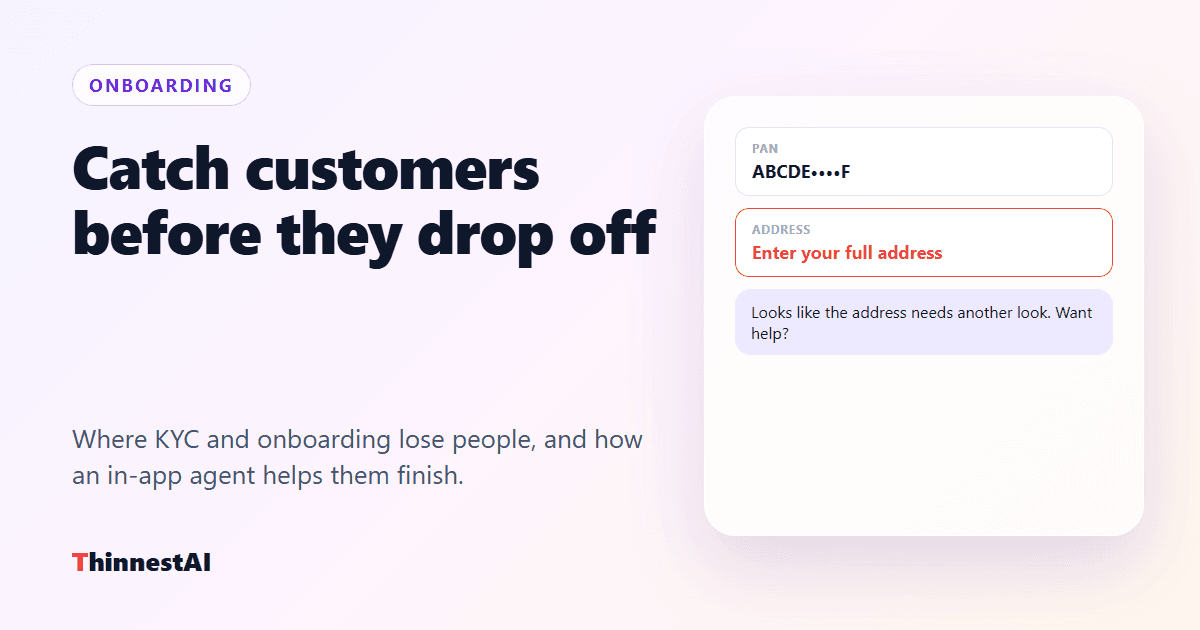
Drop-off is a stuck customer, not a lost one
Look at any onboarding funnel — a loan application, an insurance proposal, a demat or savings account — and the drop is rarely spread evenly. It piles up on one or two steps. The customer was willing; something on that screen stopped them.
The usual culprits
- The field that will not validate. An address format the form rejects, a pincode that does not match a city, a name that does not match a document. The error says “invalid” and nothing more.
- The upload that fails. A photo too large, a PDF in the wrong format, a camera permission denied. The customer tries twice and leaves.
- The step that does not explain itself. Why is a nominee needed? Which income proof counts? What happens after this payment?
- The payment step. A processing fee or first premium is where hesitation peaks — and where an unanswered question becomes an abandoned journey.
Why a chat widget does not catch them
A general chat widget waits to be asked, and knows nothing about the screen. By the time a stuck customer has opened it, typed their problem and read a generic answer, many have already gone. The ones who leave silently never ask at all.
What changes with an agent on the screen
- It notices. The friction signals — an error left unfixed, the same field failing twice, no progress, repeated taps — tell the agent someone is stuck.
- It speaks first. A short line you wrote for that step: “Looks like the address needs another look. Want me to help you fill it in?”
- It knows the screen. It can read the error and the field it belongs to, so its answer is about this form, not forms in general.
- It fixes it with them. The customer says their address; the agent fills the address, city and pincode and ticks the confirmation. It can retry the upload if your app registers that action.
- It stops at the line. Pressing “Pay ₹499 processing fee” waits for the customer’s Allow — the decision stays theirs.
What it does not touch
KYC screens are full of sensitive data, so the agent is built to see the form without its contents. Field values stay on the device unless you mark a field as readable. PAN, Aadhaar, card, CVV, OTP and password fields are never read or filled, and PAN, Aadhaar and card numbers shown on a page are masked before anything leaves it.
When the customer leaves anyway
Some will. Because the in-app agent is the same ThinnestAI agent that runs your WhatsApp and voice calls, a customer who comes back on WhatsApp or takes a call is talking to an agent that already has their conversation from your app — nobody asks them to start again.
Where to start
Pick the step with the steepest drop in your funnel. Switch the agent on for that page, write one message for the moment it steps in, and decide which actions it may take there. Measure that one step before and after.
See the In-App AI Agent or book a demo with the step where your customers drop off.